
Adobe Illustrator is a powerful graphic design tool used to create logos, illustrations, icons, typography, and vector artwork. However, learning its advanced features and completing practical projects can be challenging for students. Adobe Illustrator assignment help can help learners understand essential design concepts, improve their technical skills, and approach complex assignments with greater confidence.
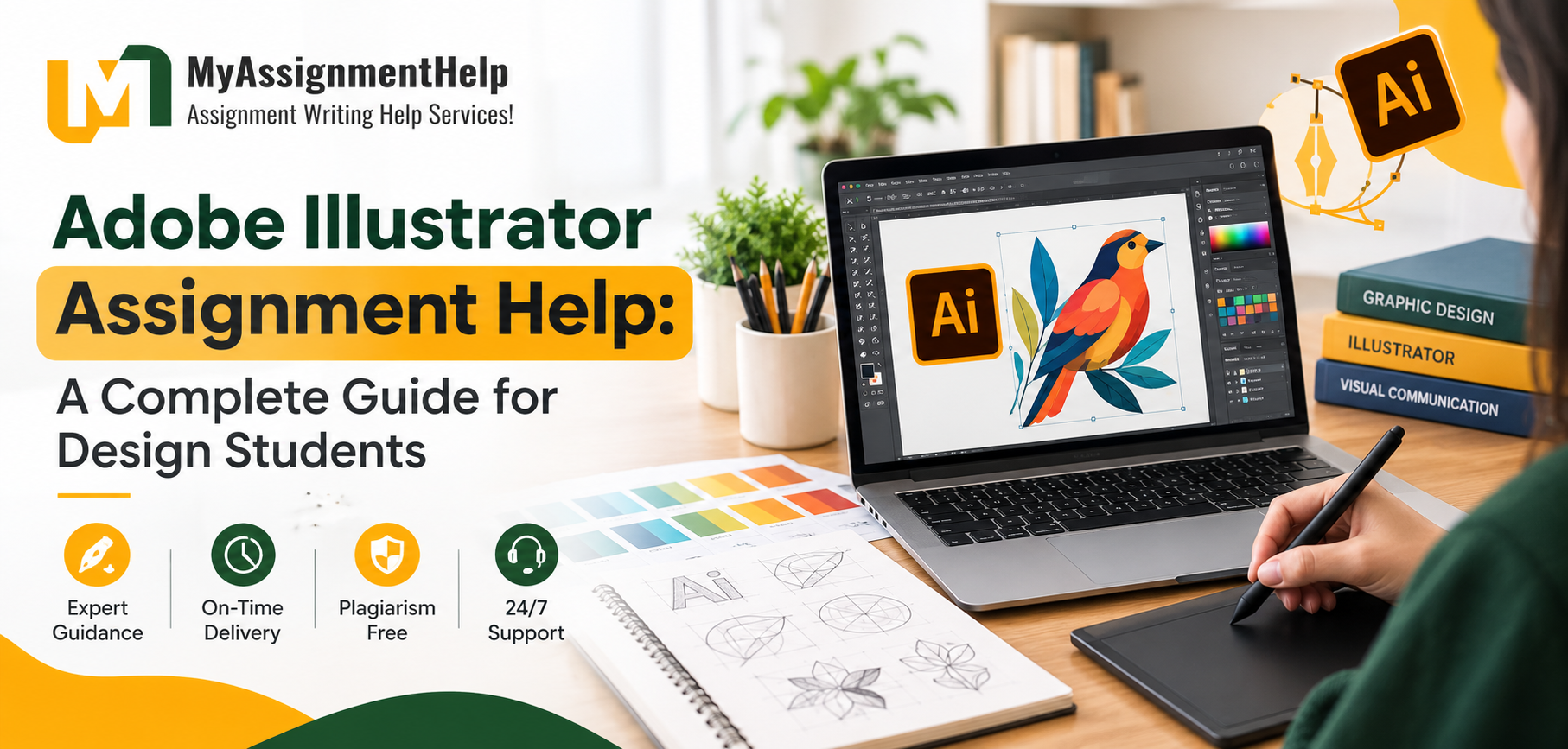
Whether you are studying graphic design, digital media, or visual communication, understanding Illustrator’s tools and techniques can make your academic projects more effective. Students in Australia, the UK, the USA, and other regions can benefit from structured learning resources and practical guidance.
What Is Adobe Illustrator Assignment Help?
Adobe Illustrator assignment help provides academic guidance to students working on graphic design projects, vector illustrations, and digital artwork. It can include explanations of software tools, assistance with design concepts, troubleshooting, and feedback on project requirements.
Students can learn how to use the Pen Tool, create vector shapes, apply gradients, manage layers, and prepare artwork for different formats. This support is particularly useful for beginners who need to understand both the technical and creative aspects of graphic design.
Why Do Students Need Help with Adobe Illustrator Assignments?
Illustrator offers many advanced features, and mastering them requires regular practice. Students may encounter difficulties when completing assignments with specific design requirements or tight deadlines.
1. Understanding Vector Graphics
Vector graphics use mathematical paths rather than fixed pixels, allowing artwork to be resized without losing quality. Students must understand anchor points, paths, curves, and shapes to create clean and professional designs.
2. Learning Advanced Design Tools
Tools such as the Pen Tool, Shape Builder, Pathfinder, and Gradient Tool can initially seem complicated. Guided explanations help students understand when and how to use these features effectively.
3. Improving Creativity and Layout
Academic projects often require balanced compositions, readable typography, suitable colour combinations, and consistent visual elements. Reviewing design principles helps students develop more polished and meaningful artwork.
4. Managing Project Deadlines
Planning a design project into smaller tasks makes it easier to manage research, initial sketches, digital production, revisions, and final submission.
How Can Students Improve Their Adobe Illustrator Skills?
Students can improve their Illustrator skills by combining software practice with fundamental design knowledge.
- Practise regularly: Recreate simple icons, shapes, and logos to understand essential tools.
- Use layers effectively: Organise design elements to simplify editing and revisions.
- Study typography: Learn how font selection, spacing, and alignment influence visual communication.
- Explore colour theory: Understand contrast, harmony, and colour combinations.
- Review assignment requirements: Check dimensions, file formats, design objectives, and submission guidelines before beginning.
- Seek constructive feedback: Use feedback to identify mistakes and improve future projects.
These techniques can help students become more independent and confident in completing graphic design assignments.
Can Assignment Help Support Other Academic Subjects?
Yes. Students frequently need guidance across different technical and theoretical subjects, depending on their courses and academic requirements.
For example, PHP assignment help can support learners studying server-side programming, database connectivity, and web development concepts. Students studying legal subjects may seek Law assignment writing help to understand legal research, case analysis, and academic referencing.
Similarly, NET Compact Framework Assignment Help may be relevant to learners working with legacy Microsoft technologies and application development concepts. In each case, students should focus on understanding the subject matter and developing their own academic skills.
Where Can Students Find Adobe Illustrator Assignment Help?
Students in Melbourne, Sydney, London, Manchester, and other major educational centres can explore online learning resources, software tutorials, academic support services, and design communities.
When choosing a support service, look for clear explanations, relevant subject knowledge, transparent pricing, and guidance that aligns with your institution’s academic integrity policies. Official software tutorials and hands-on practice are also valuable resources for developing practical design skills.
Frequently Asked Questions
1. What is Adobe Illustrator used for in academic assignments?
Adobe Illustrator is used to create vector illustrations, logos, posters, icons, infographics, and other visual design projects.
2. Is Adobe Illustrator difficult for beginners?
Illustrator can take time to learn because it contains many specialised tools. Beginners can make progress by practising basic shapes, paths, layers, typography, and colour selection.
3. How can I improve my Illustrator assignment?
Start by reviewing the brief, planning your layout, using appropriate vector tools, organising layers, and checking the final artwork against the assessment criteria.
4. Can I learn Adobe Illustrator online?
Yes. Online tutorials, guided exercises, official documentation, and structured practice projects can help students develop Illustrator skills at their own pace.
5. Why is vector design important?
Vector design allows artwork to be resized without losing sharpness, making it suitable for logos, illustrations, print materials, and digital graphics.
Conclusion
Adobe Illustrator assignments help students develop essential graphic design and digital illustration skills. By practising core tools, understanding design principles, and following assignment requirements, learners can create stronger projects and improve their confidence. Combining practical experience with reliable learning resources also supports long-term academic and professional development.


